About Us
Welcome to our website, a practical resource created to help users understand router login pages, private IP addresses, default gateways, and common network settings without making the process more complicated than it needs to be.
Many people only look for their router settings when something stops working. Maybe the WiFi password needs to be changed, the admin page is not opening, a device cannot connect, or the router login details are confusing. In those moments, technical language can make a simple problem feel much harder.
Our goal is to make that router information easier to understand.
We focus on router-related topics such as 192.168.1.1 login, router admin panels, default IP addresses, router brands, WiFi settings, default logins, and common troubleshooting steps.
About Us: What We Do
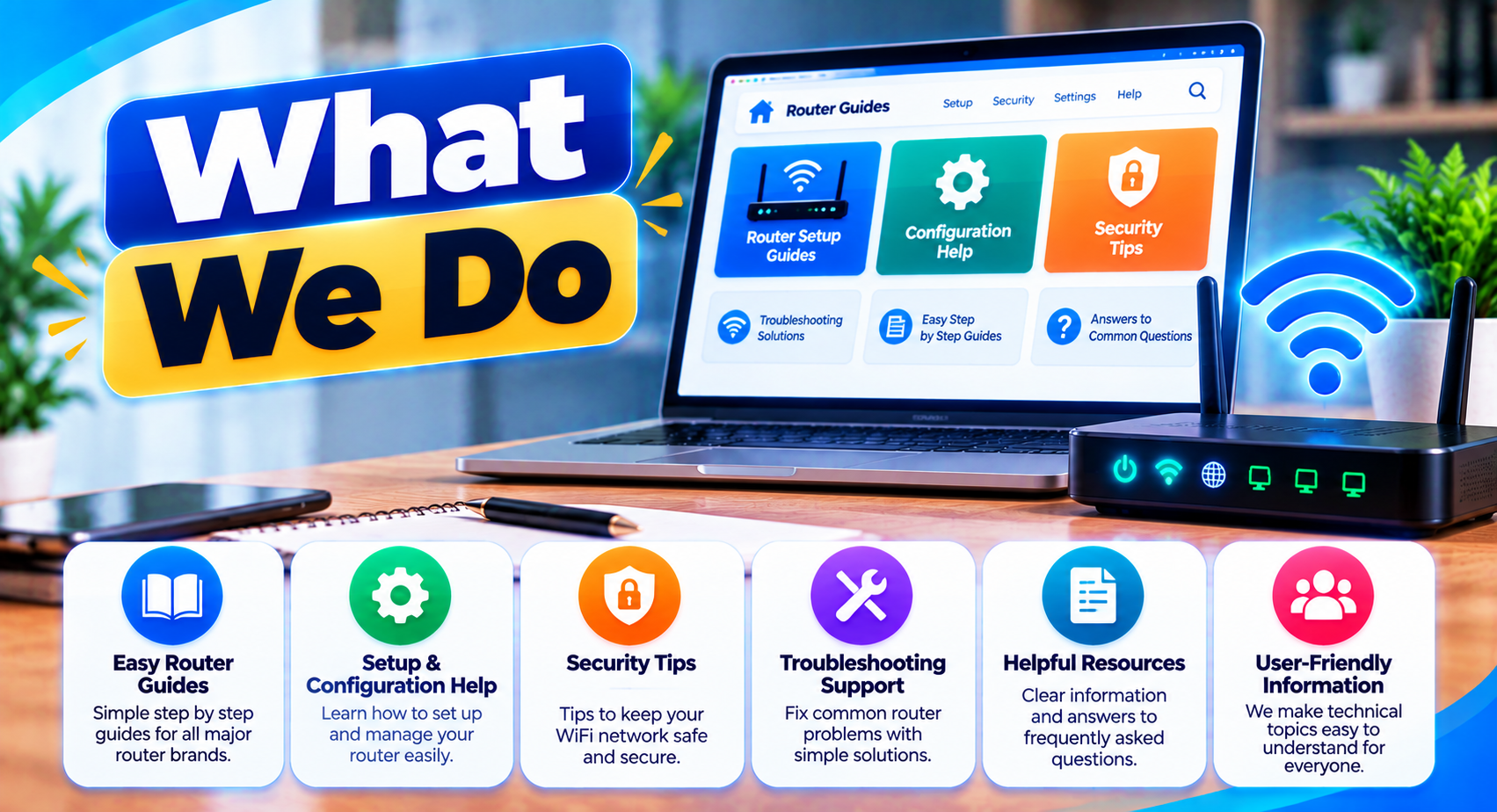
This website is built around simple, useful router information for everyday users.
We publish content that helps explain:
- Router login pages
- Private IP addresses
- Default gateway addresses
- Admin usernames and passwords
- WiFi password changes
- WiFi name or SSID changes
- Connected devices
- Router reset procedures
- Common login errors
- Router brands and models
- Local network basics
- Router security settings
Our aim is not to turn every page into a networking textbook.
Instead, we try to answer the question a user is actually asking.
If someone wants to know how to open 192.168.1.1, the important part is understanding the correct network, the browser address, the admin login, and what to check when the page does not load.
The same approach applies to our other pages.
Why We Created This Website
Router interfaces are not always user-friendly.
Different manufacturers use different menu names, different login methods, and different default addresses. One router may use 192.168.1.1, while another uses 192.168.0.1, 10.0.0.1, or another private gateway.
That creates confusion, especially when users find instructions online that assume every router works the same way.
We wanted to create a website that explains these differences instead of hiding them.
For example, we do not assume that every router from one brand uses the same IP address. We also avoid treating one username and password combination as universal.
A router’s real settings depend on the model, firmware, ISP configuration, and changes made by the network owner.
Our Approach to Router Information
We try to keep our router information practical and technically careful.
When we explain a router login process, we focus on the steps that generally apply while also reminding users that menu names and features can vary.
You may see terms such as:
- Wireless
- WiFi
- WLAN
- LAN
- WAN
- DHCP
- DNS
- Default Gateway
These words can look technical at first, but most users only need a basic understanding of what they do.
Where possible, we explain them in plain language.
We also try to separate different types of problems.
A router login page that does not open is not the same problem as a login page that opens but rejects the password. A connection timeout is different from a forgotten admin password.
Making those distinctions helps users troubleshoot more efficiently.
We Do Not Control Your Router
This website is an independent informational resource.
We do not operate your router, modem, WiFi network, or internet connection.
We also cannot access your router settings, change your WiFi password, recover your admin password, or see devices connected to your network.
Any changes to your router must be made through your own device and network.
We strongly recommend checking the router label, manufacturer documentation, or information supplied by your internet provider when a setting is specific to your exact hardware.
No Affiliation With Router Brands or ISPs
Unless clearly stated otherwise, this website is not affiliated with, endorsed by, or operated by router manufacturers, internet service providers, or networking brands mentioned in our content.
Brand names such as TP-Link, NETGEAR, ASUS, D-Link, Linksys, Huawei, ZTE, Tenda, Xiaomi, and others may be mentioned for informational and identification purposes.
The same applies to internet providers and router models discussed on the website.
All trademarks, logos, and brand names belong to their respective owners.
Why We Avoid Universal Login Claims
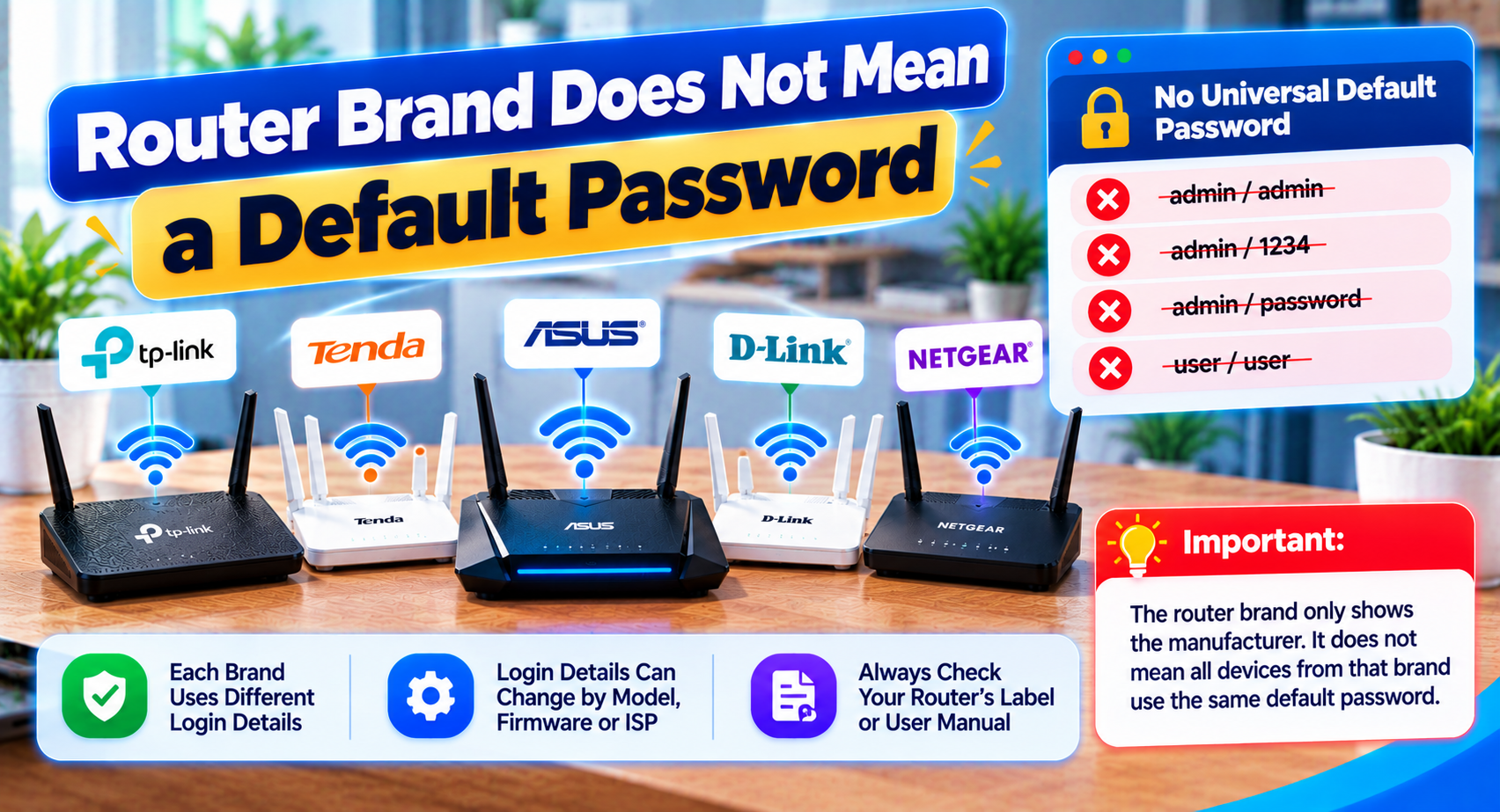
One of the biggest problems with router information online is outdated or overly broad login advice.
A page may say that a certain brand always uses one IP address or one default password. In real networks, that is often not true.
Routers can be customized by:
- The manufacturer
- The internet provider
- The network owner
- A previous installer
- Firmware updates
- Manual configuration
For this reason, our content may use phrases such as "may use," "commonly uses," or "check your actual gateway."
That is intentional.
We would rather give technically careful information than present an uncertain setting as a guaranteed fact.
Our Focus on Safe Troubleshooting
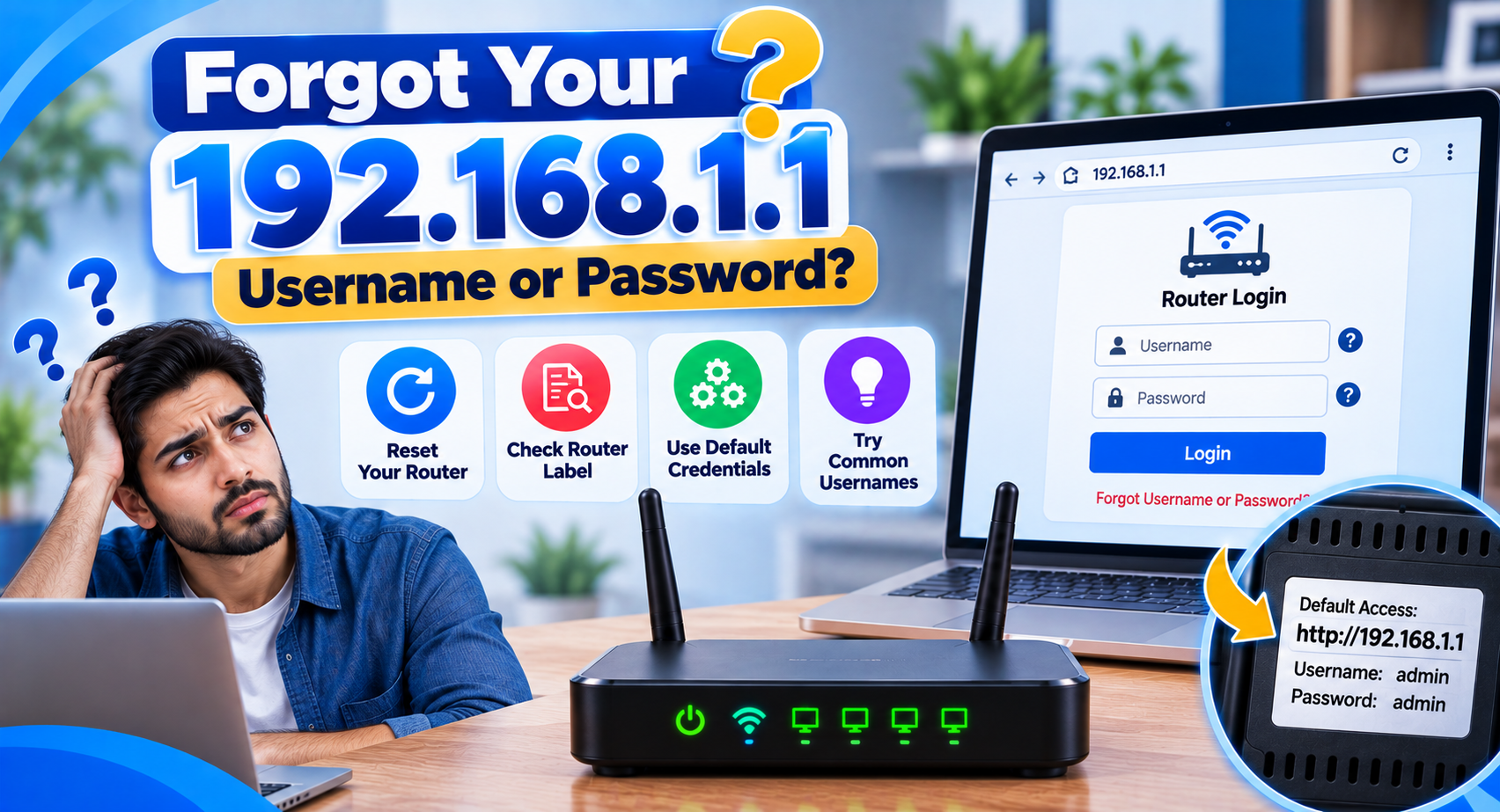
Changing router settings can affect the entire network.
A wrong WAN setting, DNS value, or LAN address can interrupt connectivity.
A factory reset can also erase WiFi passwords, admin credentials, custom settings, and in some cases ISP configuration.
That is why we generally recommend simple checks first.
For example:
- Confirm the correct IP
- Check the network connection
- Verify the default gateway
- Review the admin credentials
- Restart before resetting
A factory reset should normally be treated as a last resort, not the first fix.
Our Content Standards
We aim to keep our articles:
- Clear
- Practical
- Easy to follow
- Technically responsible
- Free from unnecessary jargon
- Focused on real user problems
We also review our router information over time because router interfaces, firmware, and setup methods can change.
If a topic depends heavily on a specific router model or ISP, we may recommend checking official documentation before making changes.
For private IP address ranges such as 192.168.x.x and 10.x.x.x, our guides follow the standard described in RFC 1918.
Privacy and Security Matter
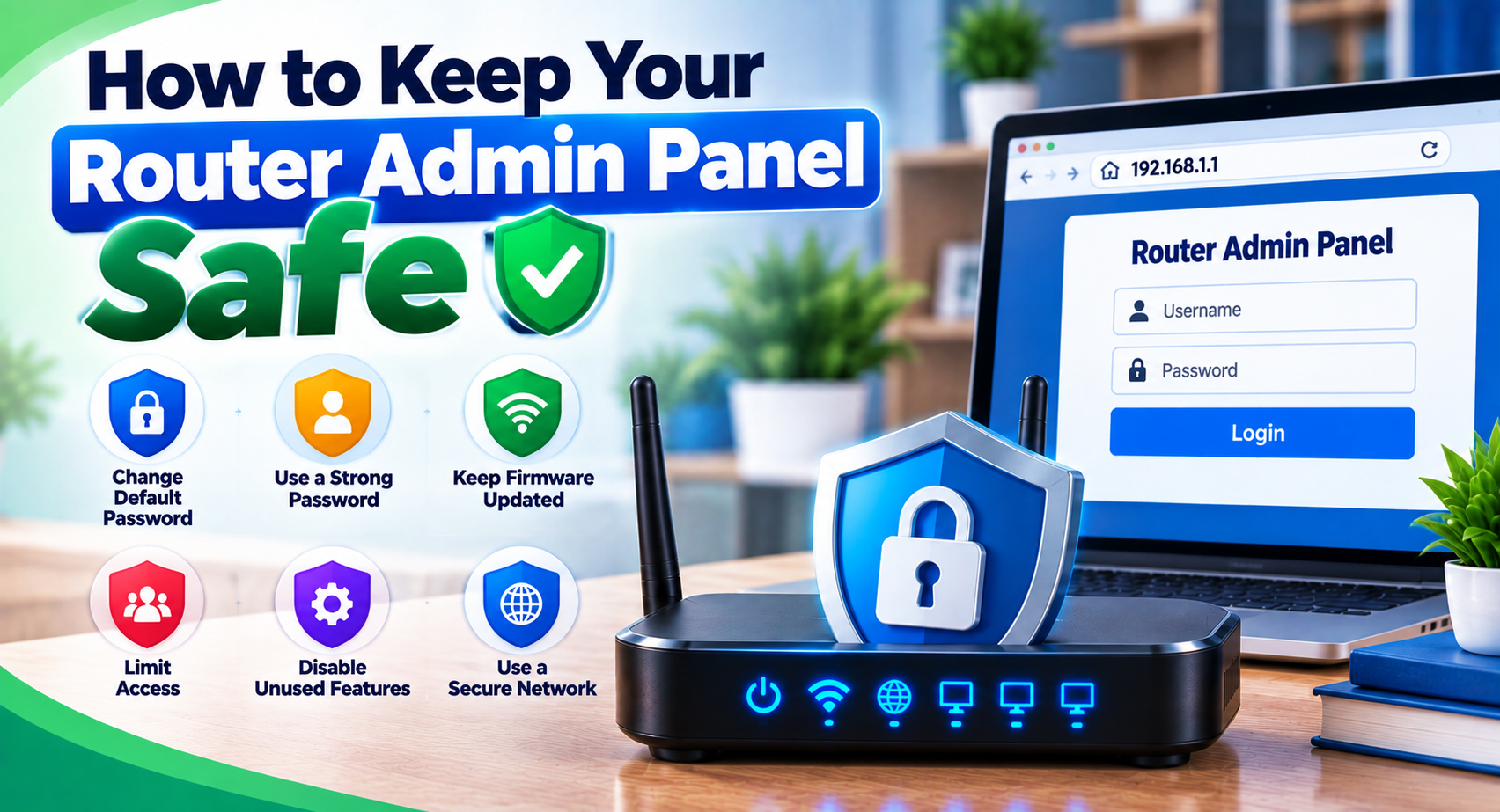
Router administrator credentials can give someone significant control over a local network.
We do not ask users to send us their router password, WiFi password, administrator username, or other sensitive login details.
You should never share those credentials publicly.
When using any router admin panel, make sure you are connected to a network you trust and that you are opening the correct local management page.
Contact and Corrections
Even carefully written technical content can need updates.
If you notice an incorrect explanation, outdated router detail, broken page, or something that could be clearer, you can contact us through our Contact Us page.
Useful corrections help us keep our router information accurate for everyone.
When reporting an issue, sharing the page title and the part that needs attention is usually enough. Please do not include private passwords, account credentials, or sensitive network information.
Our Goal
That is what this About Us page is meant to explain: who we are, how we write our router information and why we keep it simple.
Our goal is simple: make router login and local network information easier to understand.
Whether you are trying to open 192.168.1.1, find your router IP, change a WiFi password, understand default logins, or fix an admin page that will not open, we want you to find clear information without unnecessary confusion.
Router settings can look complicated, but many common tasks become much easier once you know what address to use, what credentials are required, and which settings should be left alone.