192.168.2.1 Login – Bell, Speedport and Belkin Router Admin Guide
How to use 192.168.2.1 login to open Bell Home Hub, Telekom Speedport, Vodafone EasyBox, Belkin and Edimax router settings, find the default password and fix login problems.
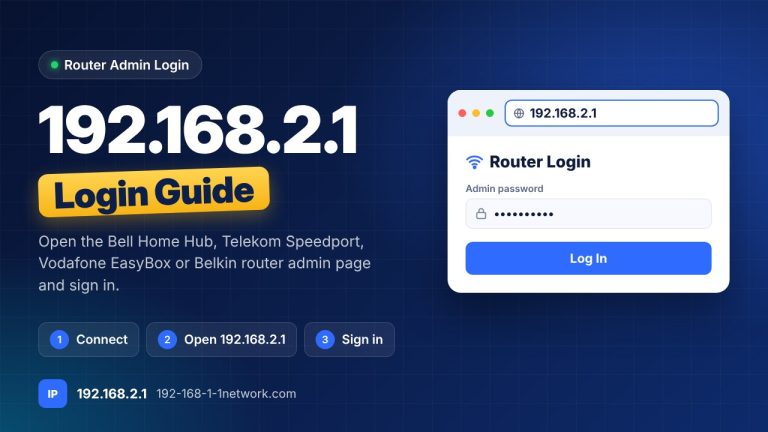
How to use 192.168.2.1 login to open Bell Home Hub, Telekom Speedport, Vodafone EasyBox, Belkin and Edimax router settings, find the default password and fix login problems.
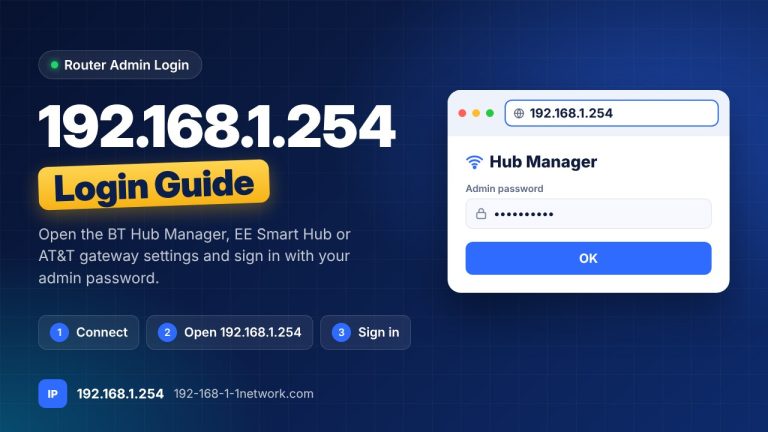
How to use 192.168.1.254 login to open the BT Hub Manager, EE Smart Hub or AT&T gateway settings, find the admin password and fix the page when it does not open.
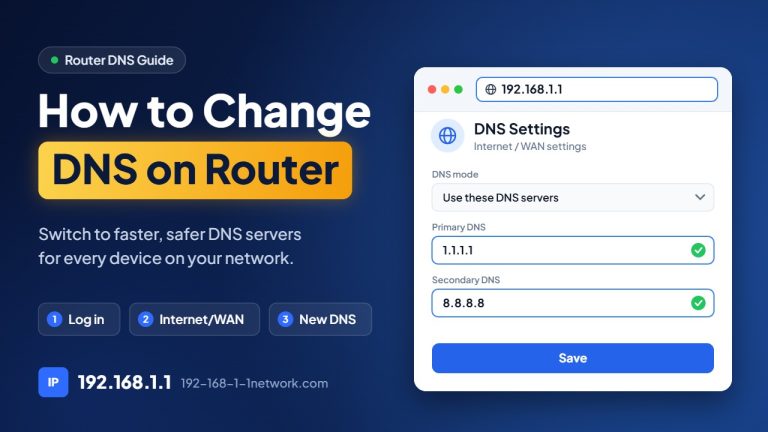
Learn how to change DNS on router settings in 5 easy steps, with menu paths for TP-Link, NETGEAR, ASUS and more, plus the best free DNS servers.
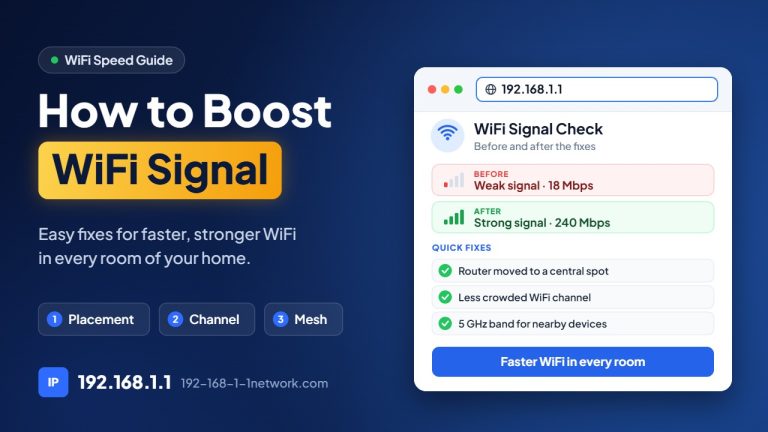
Learn how to boost WiFi signal and speed at home with 15 easy fixes, from router placement and WiFi channels to firmware updates and mesh WiFi.
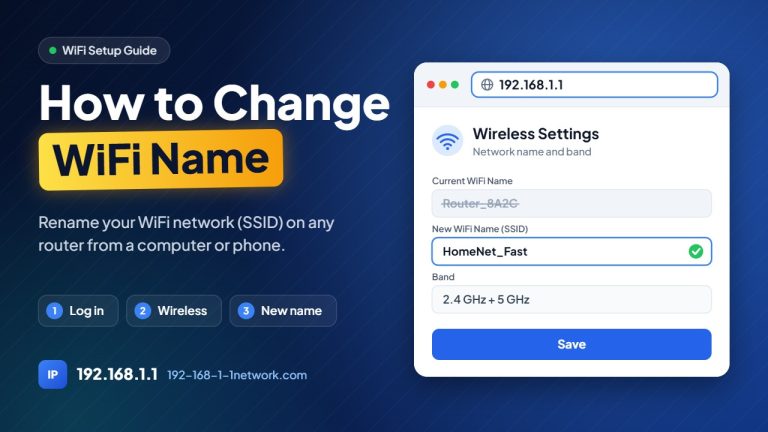
Learn how to change WiFi name (SSID) on any router from a computer or phone, with brand menu locations, naming tips and fixes if devices do not reconnect.
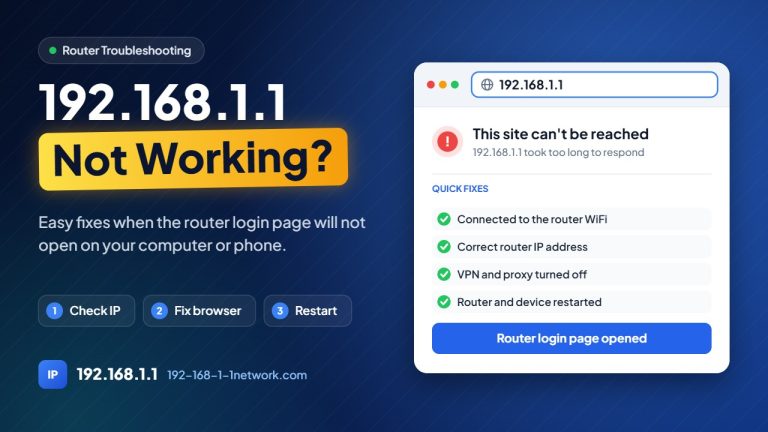
192.168.1.1 not working or not opening? Follow these 12 fixes for connection, IP address, browser, VPN and router problems, on a computer or phone.
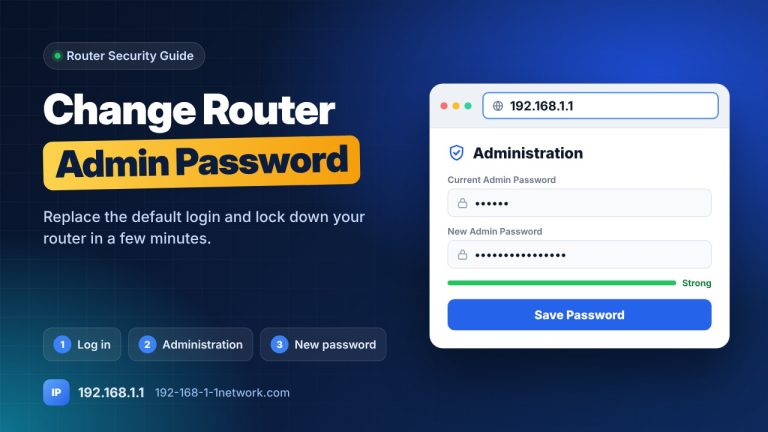
The router admin password protects every setting on your network. Learn how to change it on popular router brands, how it differs from your WiFi password and which other settings keep your router secure.
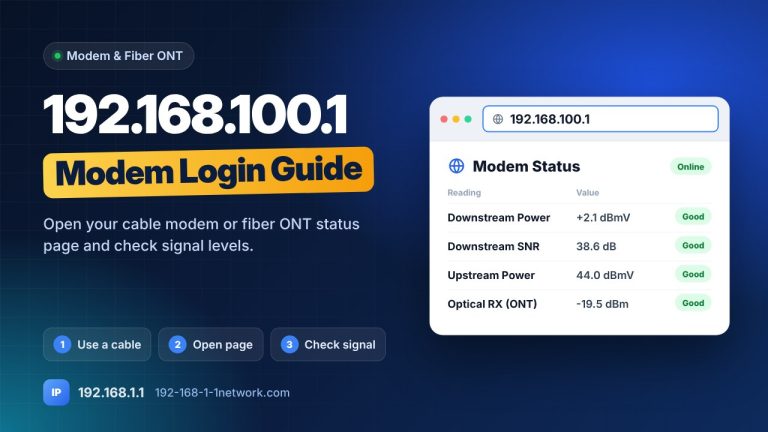
192.168.100.1 opens the status and admin page of many cable modems and fiber ONT devices. Learn how to log in, read your signal levels, find the default password and fix the page when it will not load.
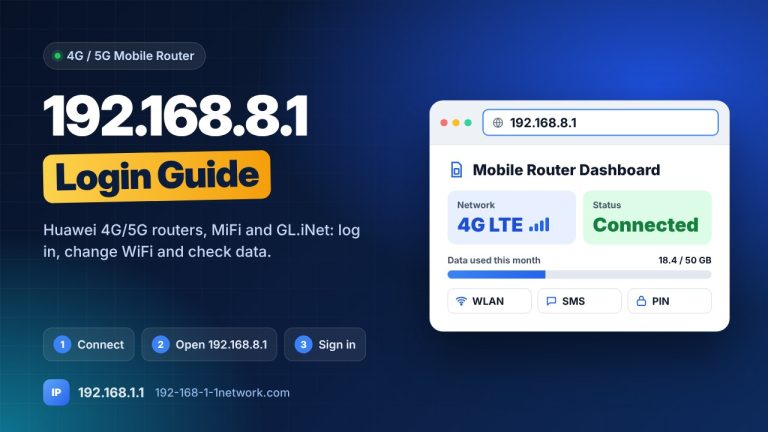
192.168.8.1 is the admin address for many Huawei 4G/5G routers, pocket MiFi devices and GL.iNet travel routers. Learn how to log in, find the default password, change WiFi settings and fix common errors.
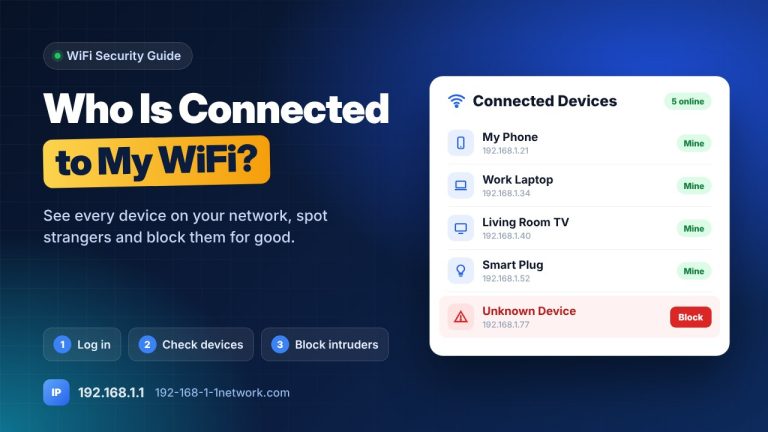
Slow internet or strange devices on your network? Learn how to check who is connected to your WiFi from the router or an app, how to identify each device, and how to block anyone who should not be there.