Contact Us
We welcome questions, feedback, corrections, and suggestions related to the router and IP address information published on this website.
Our website focuses on topics such as 192.168.1.1 login, router admin panels, default IP addresses, router brands, default logins, WiFi settings, and common network troubleshooting. If you notice something that needs clarification or correction, you can contact us and let us know.
Before sending a message, please remember that this website is an independent informational resource. We do not operate your router, internet connection, or local network, and we cannot directly access or change settings on your device.
How You Can Contact Us
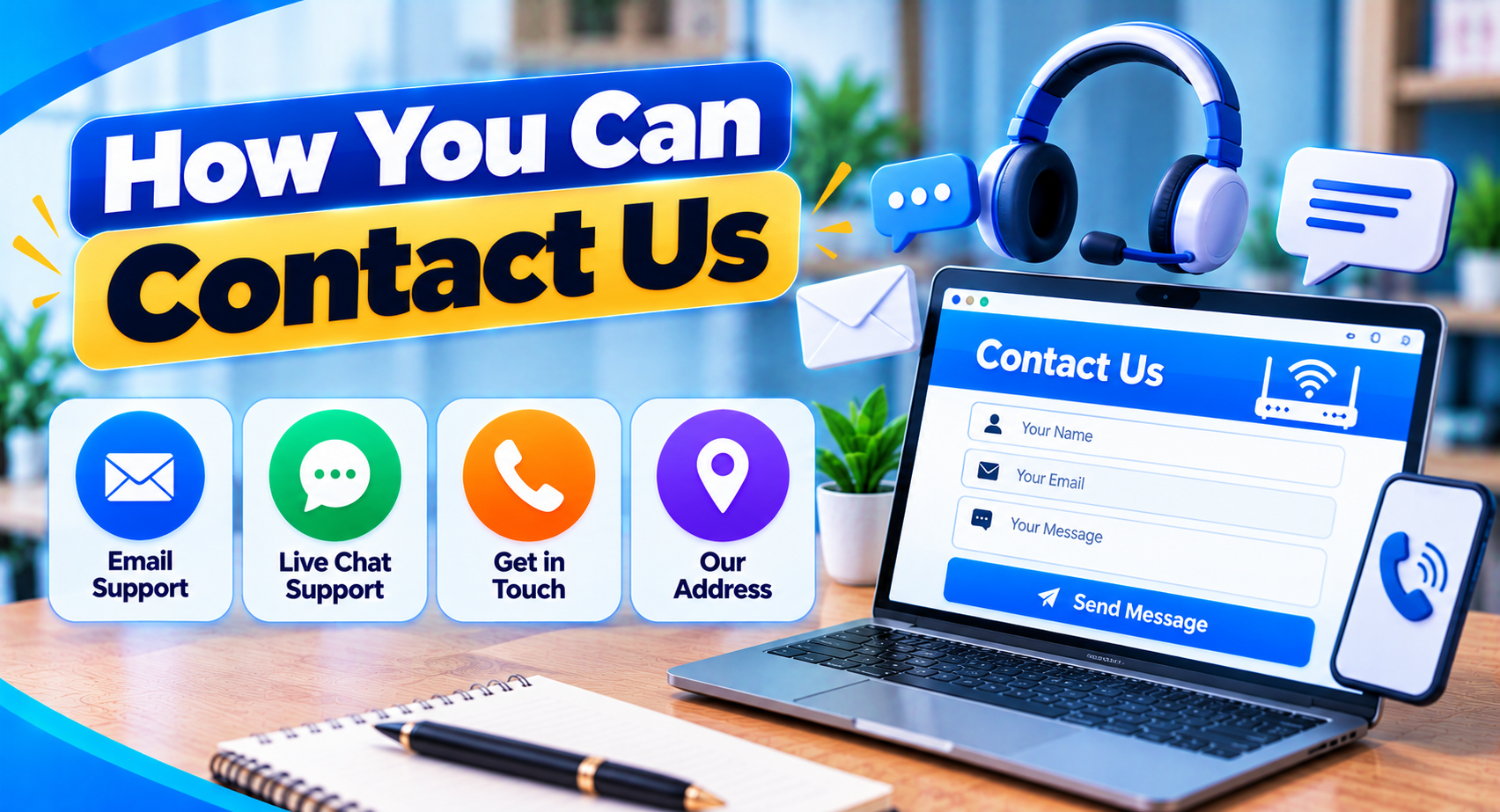
Use the contact form below to send us your message. We read every message and reply as soon as we can.
When contacting us, try to include enough information for us to understand the issue clearly.
Useful details may include:
- The page title
- The topic you are asking about
- The router brand or model, if relevant
- The error message you are seeing
- The section that needs correction
- A short description of what you tried
Please do not send passwords, private account details, WiFi credentials, or sensitive network information.
Questions About Router Login Pages
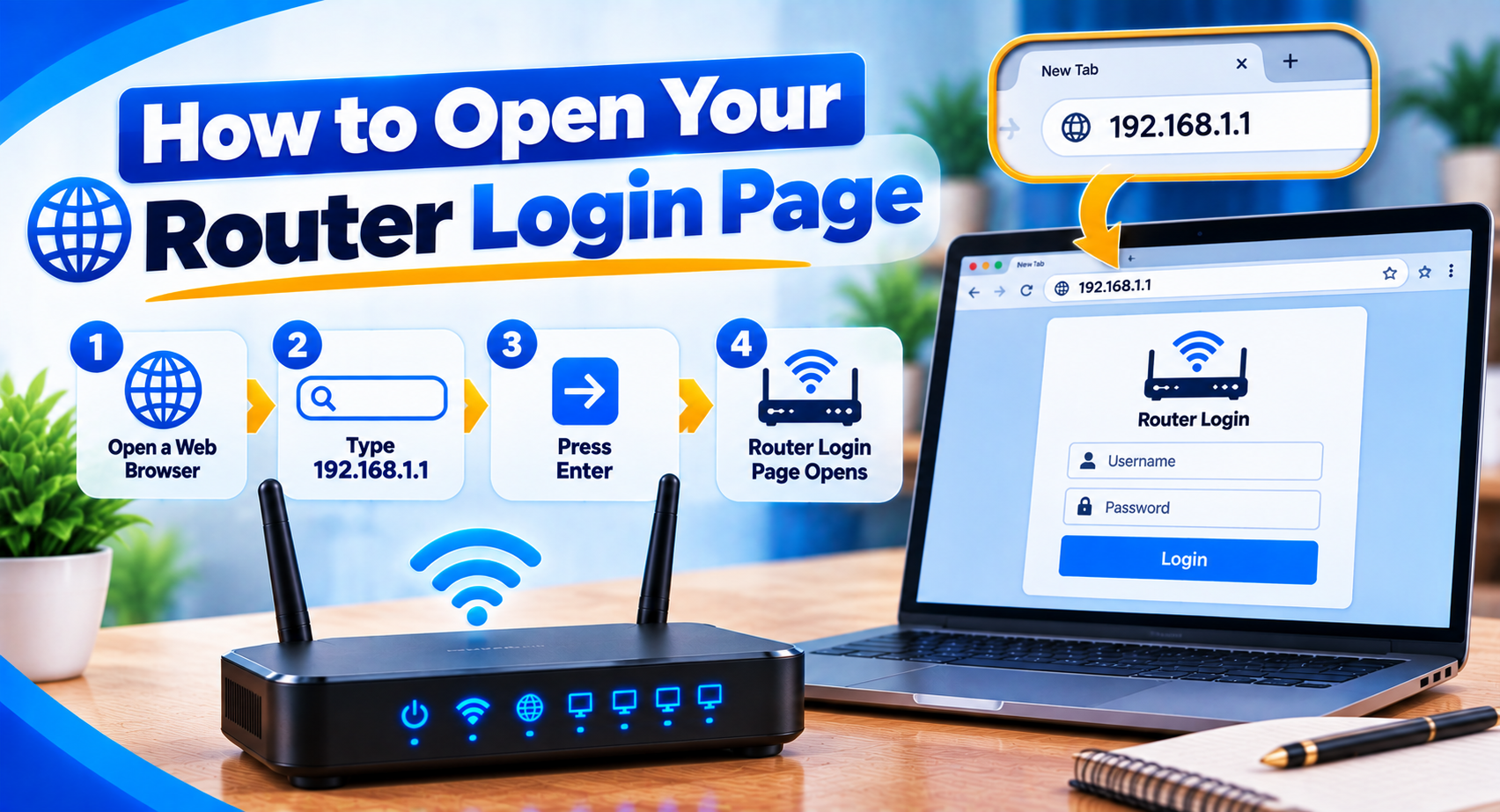
Many users contact networking websites because they cannot open their router login page.
If your question is related to an address such as 192.168.1.1, it helps to explain exactly what happens when you try to open it.
For example, you can mention whether:
- The page does not load
- The browser shows a timeout
- You see a connection refused message
- The login screen opens but the password fails
- The router uses another gateway
- You are unsure which IP address belongs to the router
These details are more useful than simply saying "router login not working."
Different problems can have different causes.
Questions About Router Username and Password
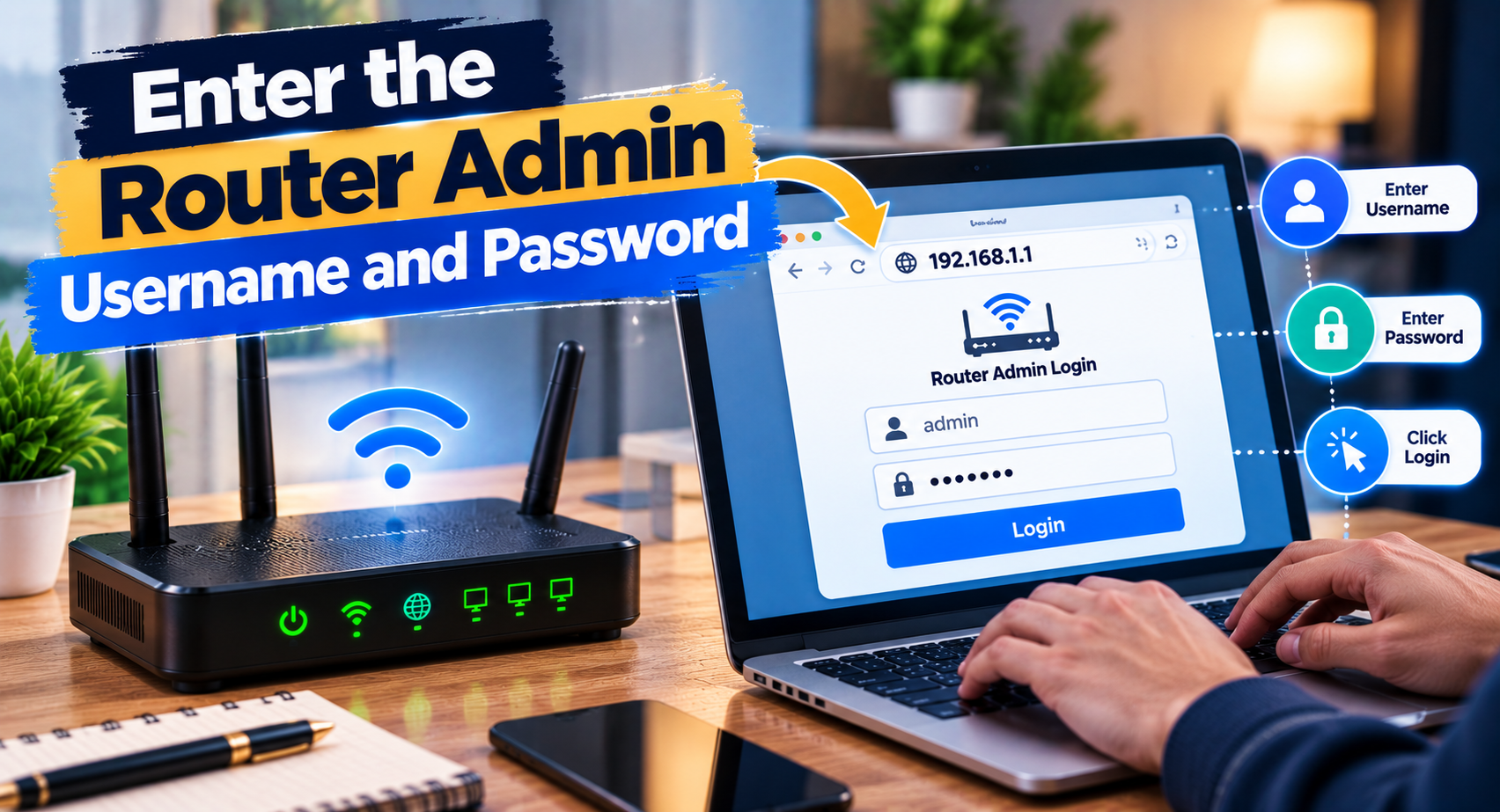
We can publish general information about router login credentials, but we cannot recover or provide a private administrator password for your specific router.
If you have forgotten your router login, check:
- The label on the router
- The router manual
- Documentation from your internet provider
- Login details created during initial setup
- Official recovery instructions for your model
Do not send us your current password or any password you think might be correct.
Passwords and other login information should remain private.
Questions About WiFi Settings
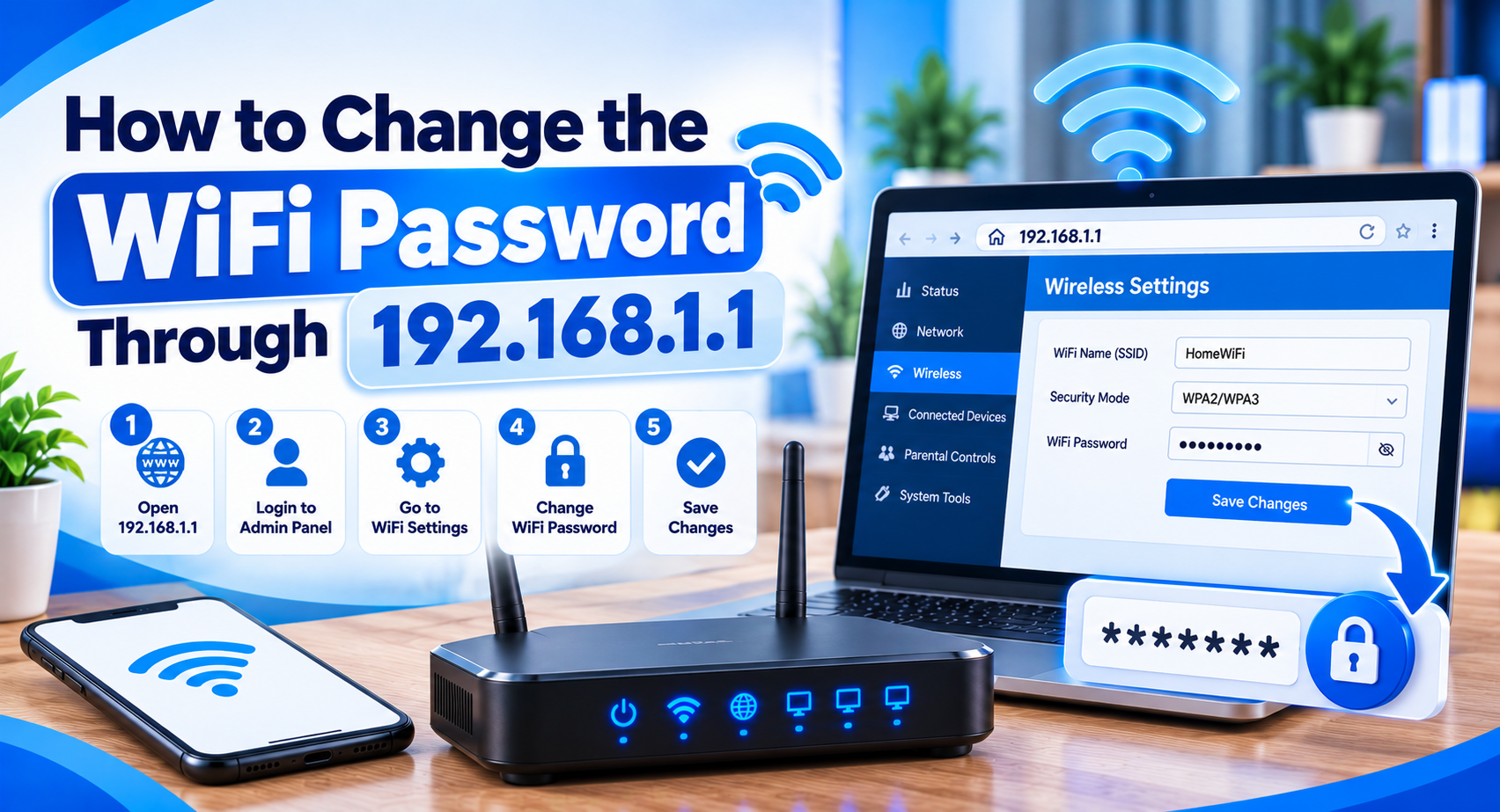
Our guides may help explain common tasks such as changing a WiFi password, renaming the network, or checking connected devices.
However, router dashboards vary.
One router may use a menu called Wireless, while another uses WiFi, WLAN, or a different term.
If you contact us about a WiFi setting, including the router model can provide useful context.
You should still verify any model-specific steps against official documentation before changing important network settings.
Reporting Incorrect Information
Accuracy matters to us.
If you find an incorrect IP address, outdated instruction, technical error, broken link, or unclear explanation, please report it.
A useful correction message should include:
- The page where you found the issue
- The heading or section involved
- What appears to be incorrect
- The corrected information, if known
- A reliable source where appropriate
We review useful feedback and may update content when a correction is justified.
Router firmware and ISP configurations can change over time, so some details may need revision even if they were previously accurate.
Reporting a Broken Page or Link
If a page does not open correctly or a link leads to the wrong location, you can let us know.
Please mention:
- The page title
- The broken link or section
- What happens when you click it
- The device or browser, if relevant
You do not need to send sensitive device information.
A simple description is usually enough.
Suggestions for New Guides
We also welcome suggestions for useful router and networking topics.
For example, readers may want help with:
- Finding the default gateway
- Changing a WiFi password
- Router login problems
- Connected devices
- Router reset procedures
- Private IP addresses
- Router brand-specific login help
- DNS or DHCP basics
- Guest WiFi
- Firmware updates
We cannot promise that every suggested topic will be published, but useful ideas can help us understand what readers are looking for.
What We Cannot Do
There are some things we cannot provide through this website.
We cannot:
- Log in to your router for you
- View your local network
- See your WiFi password
- Recover private account credentials
- Change your router settings remotely
- Contact your ISP on your behalf
- Guarantee that one login address works for every router
- Provide access to someone else’s router or network
If the problem involves an internet outage, damaged hardware, billing, account ownership, or ISP-specific configuration, contacting your internet provider or router manufacturer may be the better option.
Do Not Send Sensitive Information
Please keep your message safe.
Do not include:
- Router admin passwords
- WiFi passwords
- ISP account passwords
- Banking details
- Government identification numbers
- One-time passwords or verification codes
- Private account numbers
- Full network configuration files
We do not need this information to understand ordinary website feedback or content corrections.
If someone asks you to send sensitive credentials in order to "fix" a router problem, be cautious.
Real support services will never ask for your passwords. The FTC explains how to spot fake requests in its guide to recognizing and avoiding phishing scams.
Router Brand and ISP Questions
Our website may mention brands such as TP-Link, NETGEAR, ASUS, D-Link, Huawei, ZTE, Linksys, Tenda, Xiaomi, and others.
We may also discuss routers supplied by internet service providers.
Unless clearly stated otherwise, we are not affiliated with these companies.
For warranty claims, firmware downloads, account issues, official technical support, or model-specific repair instructions, use the manufacturer’s or ISP’s official support channels.
Response Expectations
Messages should be clear and directly related to the website, router information, networking content, or corrections.
We may not be able to provide personalized technical support for every device or network setup.
Some router problems depend on hardware, ISP configuration, firmware, or settings that cannot be diagnosed from a short message.
In those situations, official support for your exact device may be more appropriate.
Help Us Improve the Website
Reader feedback can help us spot confusing explanations and outdated information.
If you find something that could be clearer, tell us what part caused confusion.
You do not need to write a long technical report. A short message explaining the problem is enough.
We especially appreciate reports about:
- Outdated router instructions
- Incorrect IP information
- Confusing troubleshooting steps
- Broken internal links
- Typing errors
- Missing explanations
Contact Us Safely
When you contact us, keep the message focused on the problem and avoid sharing private credentials.
If your question is about a router login issue, tell us what address you are trying, what happens in the browser, and the router model if you know it.
For website corrections, simply provide the page and the section that needs attention.
Our aim is to keep the information on this website practical, clear, and useful for people trying to understand router login pages, local IP addresses, and everyday network settings.