Disclaimer
The information published on this website is provided for general informational and educational purposes only.
Our website covers topics related to router login pages, private IP addresses, default gateways, router brands, default logins, WiFi settings, local network configuration, troubleshooting, and related networking topics.
We aim to provide clear and useful information, but router models, firmware, internet service provider settings, and network configurations can vary. For that reason, information that works for one device may not apply in exactly the same way to another.
By using this website, you acknowledge that you are responsible for how you use the information provided.
General Information Only
As this disclaimer explains, the content on this website is intended to help users understand common router and networking tasks.
Examples may include:
- Opening a router login page
- Finding a default gateway
- Changing a WiFi password
- Identifying a router IP address
- Understanding router admin credentials
- Checking connected devices
- Reviewing common login errors
- Learning about private IP addresses
Our content should not be treated as a replacement for official documentation from your router manufacturer, internet service provider, network administrator, or other qualified technical support source.
If a setting is important to your network, confirm the instructions for your exact device before making changes.
Router Information Can Vary
Router interfaces are not universal.
Two devices from the same manufacturer can use different:
- Login addresses
- Admin usernames
- Admin passwords
- Firmware versions
- Menu names
- Reset procedures
- Wireless settings
- Security options
Internet providers may also customize routers before supplying them to customers.
Because of these differences, we do not guarantee that one IP address, password, menu path, or troubleshooting step will work with every router.
Addresses such as 192.168.1.1, 192.168.0.1, 10.0.0.1, and 192.168.1.254 are common examples, but your router may use another address.
No Access to Your Router or Network
This website cannot access your router, modem, WiFi network, computer, phone, or other local devices.
We cannot:
- Log in to your router
- View your connected devices
- Change your WiFi password
- Recover your router password
- Modify your network remotely
- View your ISP account
- Diagnose your hardware directly
Any router login or configuration change must be performed by you or an authorized person on the relevant network.
You should never send us private router passwords, WiFi credentials, one-time codes, or confidential account information.
No Guarantee of Default Login Credentials
Under this disclaimer, any discussion of default router logins is provided as general reference information.
There is no universal username and password that works with every router using a particular IP address.
Credentials may differ because:
- The manufacturer uses model-specific details
- The router has a unique printed password
- The ISP changed the login
- The owner changed the password
- A new password was created during setup
- The device has been reset or reconfigured
Always verify login details using the router label, official documentation, or information supplied by your internet provider.
Network Changes Are Made at Your Own Risk
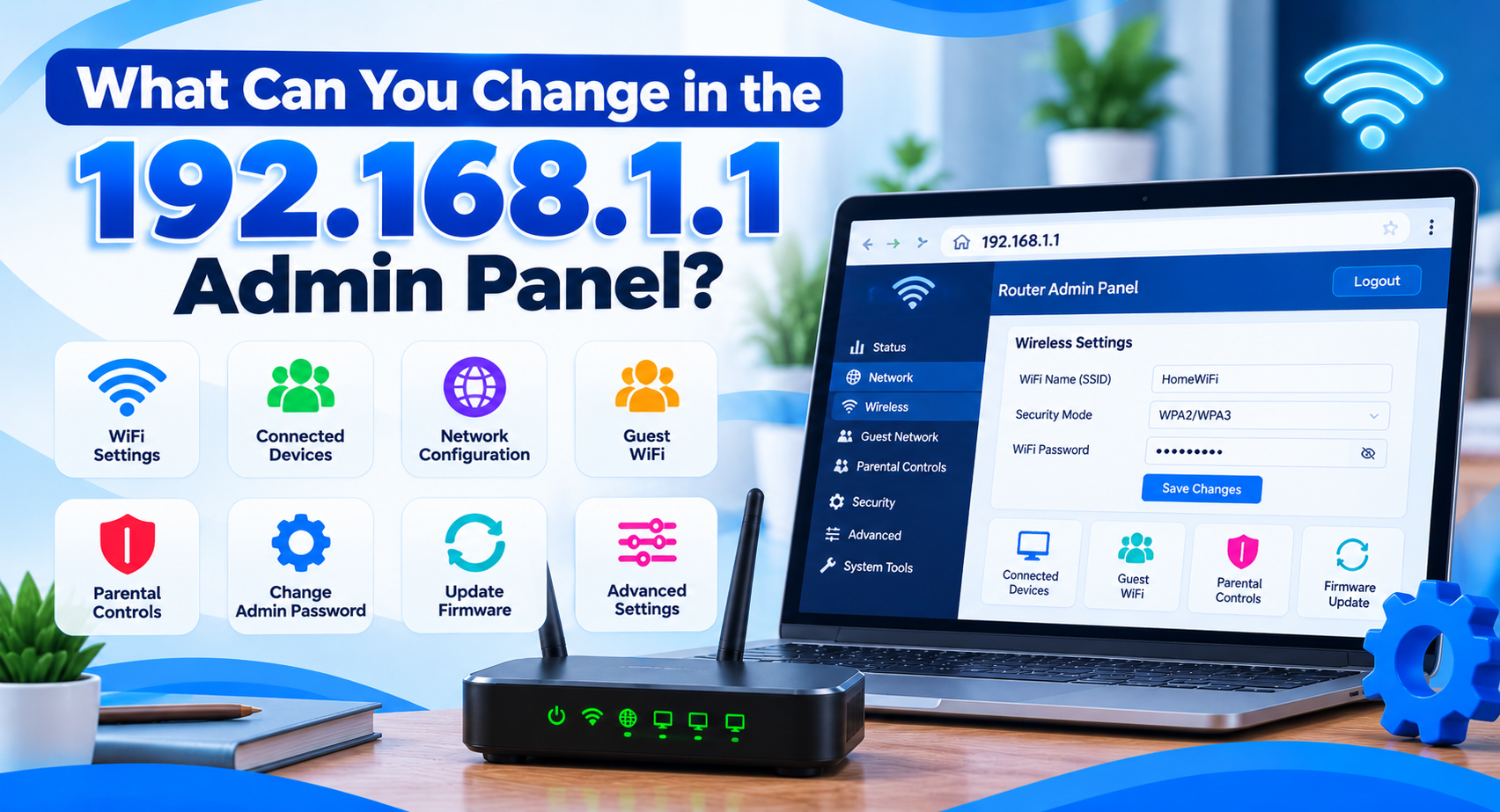
Router settings can affect all devices connected to a network.
Changing values such as:
- LAN IP address
- DHCP settings
- DNS servers
- WAN configuration
- Wireless security
- Port forwarding
- Firewall rules
- Access control
- Firmware
can sometimes cause connection problems when entered incorrectly.
Before changing unfamiliar settings, consider recording the existing configuration or checking the official instructions for your router.
We are not responsible for connection loss, configuration problems, data loss, or other issues resulting from changes made based on information from this website.
Factory Reset Warning
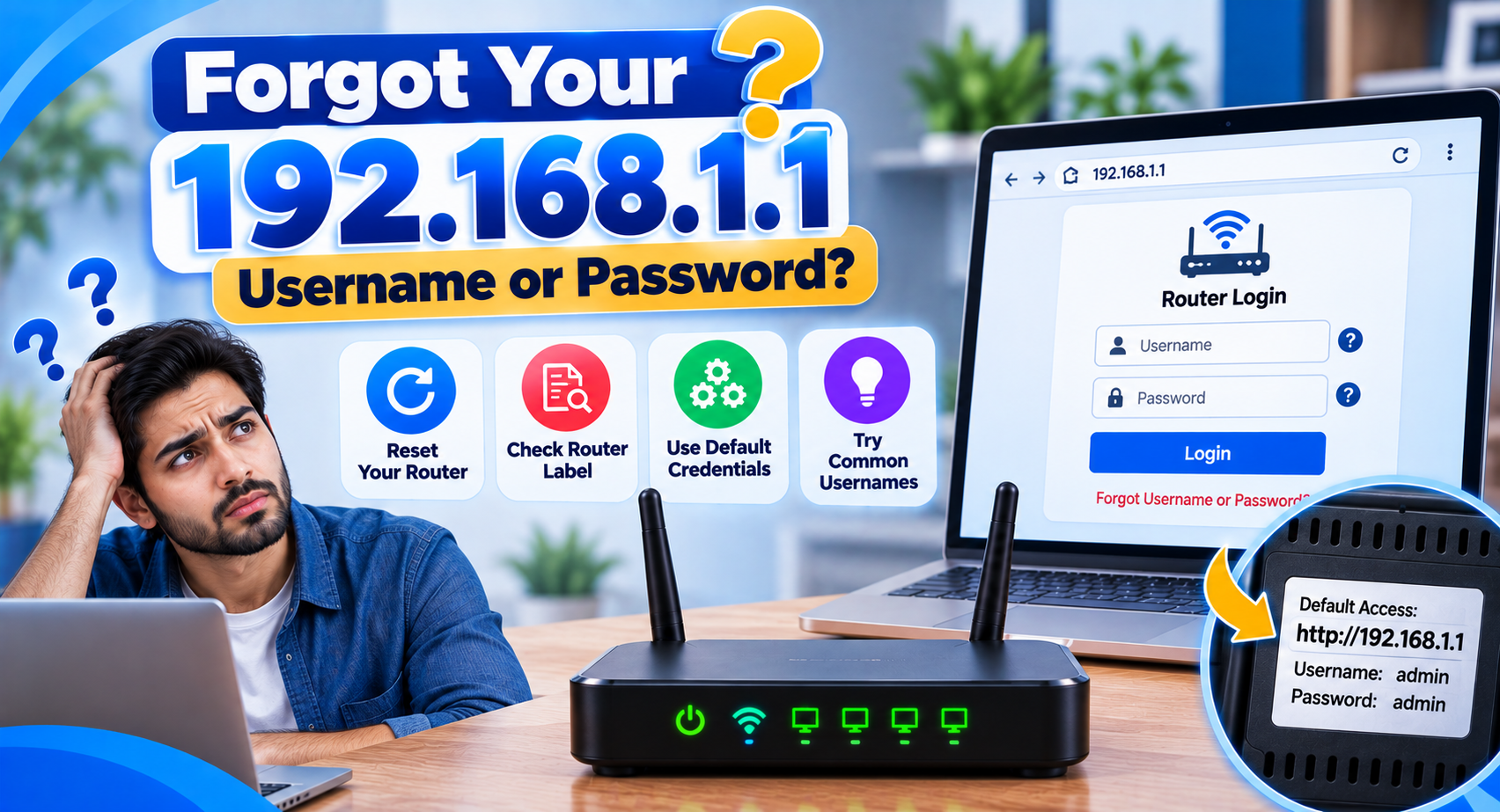
A factory reset can remove important router settings.
Depending on the device, a reset may erase:
- WiFi network name
- WiFi password
- Admin password
- Internet connection settings
- DNS configuration
- Guest network settings
- Parental controls
- Port forwarding
- ISP-specific configuration
We generally recommend checking simpler troubleshooting options before performing a reset.
If your router was supplied by an internet service provider, confirm whether special settings are required before resetting the device.
Accuracy of Information
We make reasonable efforts to check the accuracy of our content and keep it clear.
However, we cannot guarantee that every article will always be complete, current, or applicable to every hardware and software version.
Router manufacturers can update firmware, change interface designs, discontinue devices, or modify setup procedures.
Internet providers can also change network settings and supplied equipment.
If you find outdated or incorrect information, you can contact us through the available Contact Us page so the content can be reviewed.
For general background on how routers act as the gateway of a home network, see this overview of a default gateway.
Third-Party Brands and Trademarks
This website may mention router manufacturers, networking companies, internet providers, and product names for identification or informational purposes.
Examples may include brands such as:
- TP-Link
- NETGEAR
- ASUS
- D-Link
- Linksys
- Huawei
- ZTE
- Tenda
- Xiaomi
Unless clearly stated otherwise, this website is independent and is not affiliated with, sponsored by, endorsed by, or operated by these companies.
All trademarks, logos, product names, and brand names remain the property of their respective owners.
External Links
Some pages may contain external links to third-party websites or resources.
These links may be provided to help users find additional information.
We do not control external websites and cannot guarantee their:
- Accuracy
- Availability
- Security
- Privacy practices
- Content
- Services
Visiting a third-party website is done at your own discretion.
Review the relevant policies and instructions on that website before providing personal information or downloading files.
No Professional or Official Technical Support Relationship
Information on this website should not be interpreted as official technical support from a router manufacturer or internet service provider.
We do not represent your ISP, router company, network administrator, or hardware vendor.
For problems involving:
- Internet account access
- Billing
- Hardware replacement
- Warranty claims
- ISP outages
- Fiber or cable line faults
- Locked provider equipment
- Official firmware recovery
contact the relevant manufacturer or service provider.
Security Responsibility
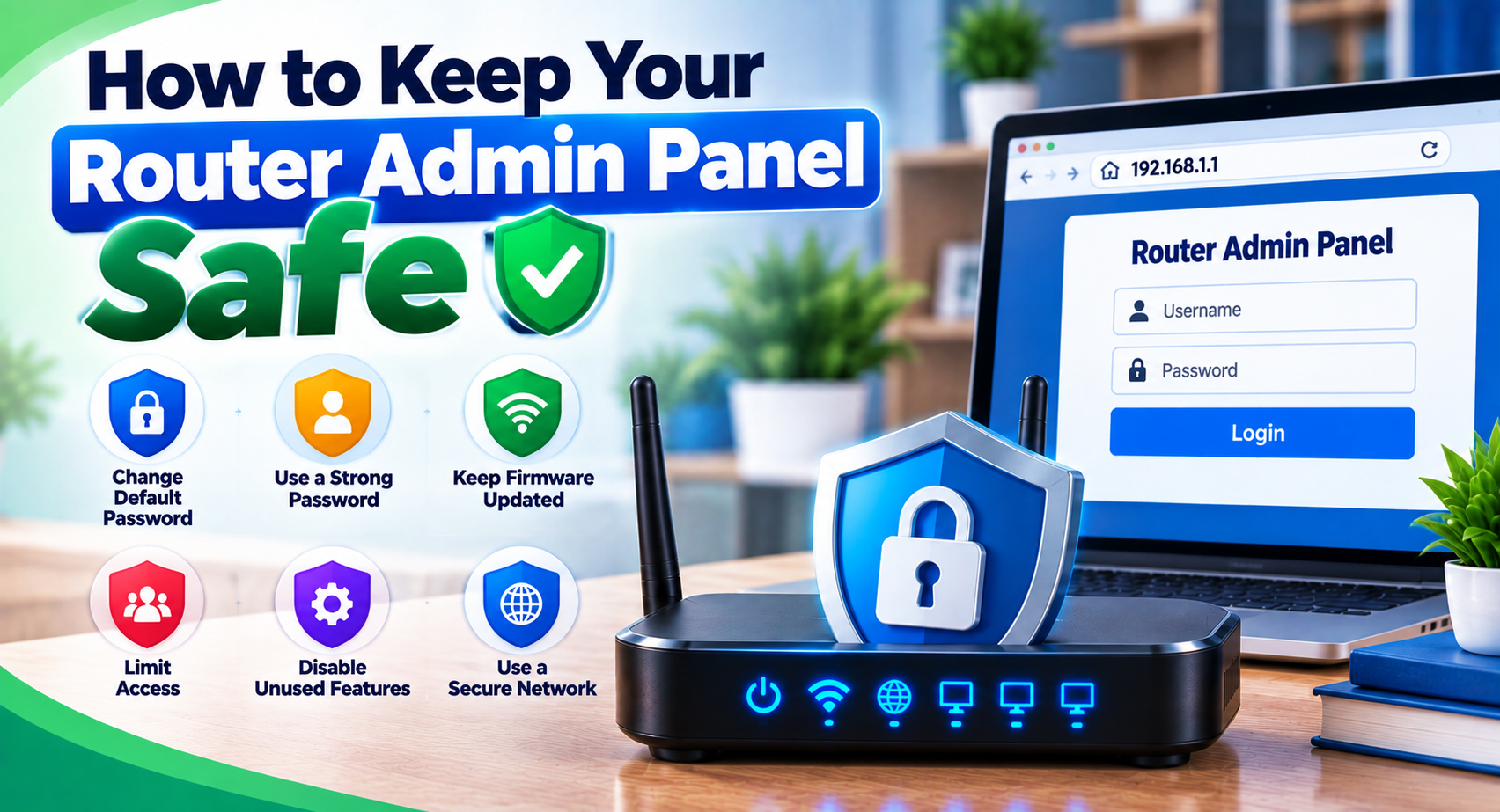
Router administrator access can control important network settings.
Users are responsible for protecting their own:
- Admin passwords
- WiFi passwords
- ISP credentials
- Network devices
- Backup configuration files
Do not enter sensitive credentials into unrelated websites simply because they mention your router’s IP address.
A website explaining 192.168.1.1 is not the same thing as the local router interface hosted on your own network.
Limitation of Responsibility
The website is provided on an informational basis, as described throughout this disclaimer.
We cannot guarantee uninterrupted access to the site or guarantee that every instruction will solve a particular router or network problem.
Use the information carefully and verify device-specific details before making significant configuration changes.
Where you are unsure, official manufacturer documentation, your internet provider, or an experienced network professional may be a better source for model-specific assistance.
Updates to This Disclaimer
This Disclaimer may be updated when the website changes, new topics are added, or our content practices are revised.
The current version will be made available on this page.
Continued use of the website after an update means you should refer to the latest published version when reviewing these terms.
Contact Us
If you notice an inaccurate statement, broken link, outdated router detail, or another issue with our content, you can contact us using the available Contact Us page.
Please do not include router passwords, WiFi credentials, banking information, or other confidential information in your message.
Final Note
This website is designed to make router login and networking information easier to understand.
Use our guides as general reference material, verify important information for your exact router and network, and take care when changing settings that could affect your connection.
By using this website, you agree to read this disclaimer together with our Terms and Conditions.